
Interactive demo
A donor’s view
of Aoun.
Follow a donated wheelchair through the eyes of its donor. The view-only prototype opens in your browser with a fictional account and sample records.
Where to
drop it off.
Imagine the charity has asked you to bring a folding wheelchair in for inspection. Where do you go next?
Enter as Raghad
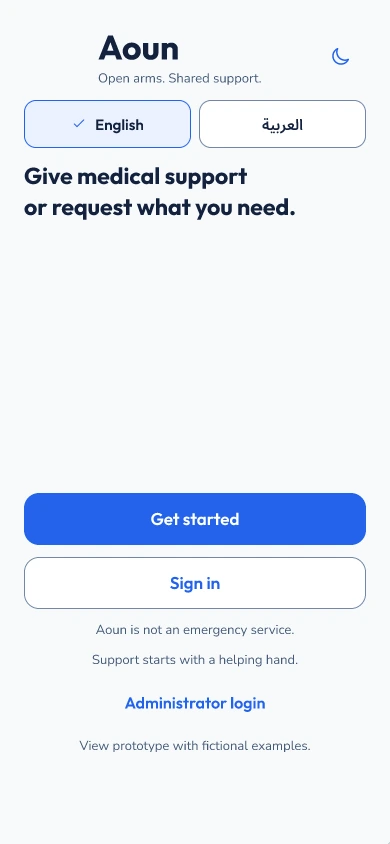
On the Welcome screen, tap Sign in, then Continue as Raghad. Use the fictional account button. You can leave the email and password fields empty.
Open Activity
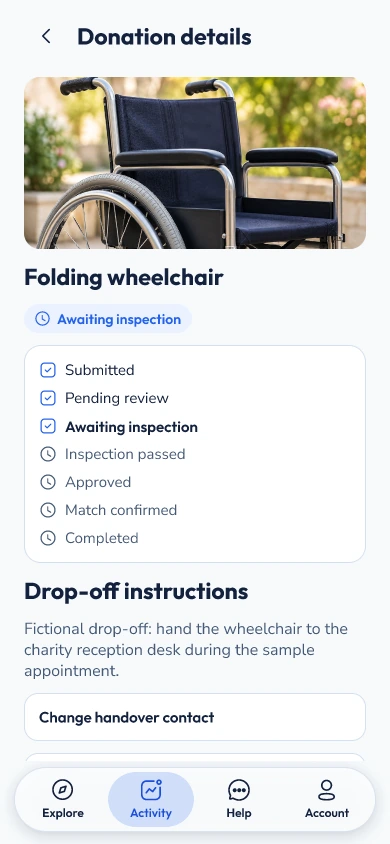
From Explore, tap Activity in the bottom navigation. Stay on Donations and look for Awaiting inspection.
Read the instructions
Open Folding wheelchair. The timeline shows its current stage and the Drop-off instructions give the fictional handover location. This completes the example.
Try the journey ↗ (opens in a new tab)